Deposit history
Shows how many top-ups occurred, on which day spending rose, all clearly shown

Many people simply follow offers and later lose track of spending; with the cv6666 App that hassle is reduced, and you get clear spending reports, self-control, and safe-play tools together
Download cv6666 APK Get help with responsible play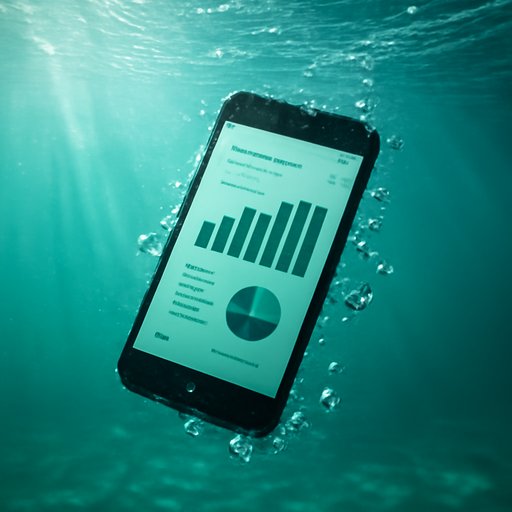
If you don't view the report, the budget can quickly slip away, so in the cv6666 App daily usage is captured at a glance. Many users in Dhaka first view the report after topping up with bKash or Nagad, then proceed.
Shows how many top-ups occurred, on which day spending rose, all clearly shown
Minutes per session; seeing that makes taking a break easier
Balance changes and total usage shown together, so less guessing
If setup is complex, people stop midway; here you only need 3 steps: open the APK and enter, and the report section appears separately
Open the dashboard after logging in
View spending, time, and recent activity together
Set daily time or spending limits in advance
Warnings alone are not enough; you need tools you can actually use. The cv6666 App keeps spending notes, breaks, and self-exclusion options together
If anyone wants, temporary breaks can be taken; some users keep separate budgets from Rocket, then enter the app; this way gaming and daily expenses do not mix
When the set limit is reached, it reminds you, giving a chance to stop
If you want to stay away, you can set a break yourself
What happened in the last 7 days, a short summary makes decision easier
If you repeatedly breach limits, pausing briefly is wise; go to cv6666 Support to review account limits, self-exclusion, and how to read reports
Contact directly cv6666 Contact Page Open and read the policies cv6666 Terms of Use And cv6666 Privacy Policy Read to the end; the main point is: control should stay in your hands, and the cv6666 App makes it easy
Get the APK to register with cv6666
Understand what each number means in simple terms

Self-control can be set on small screens, very quickly

If confused, you'll get a clear answer from the support team
First set a daily limit, then adjust it after 23 days by looking at the report
Account pause can be set according to your needs; shorter breaks also work
If you keep spending separate on bKash, nagad, and Rocket, the records stay clear